Sessa Marine New Zealand Partners with CorIT Tech to Build a Secure, Modern IT Foundation
Global luxury yacht brand Sessa Marine has partnered with CorIT Tech to…
AI assistants are now built into everyday tools like Outlook, Teams, and Word. Used well, they can save hours of manual work. Used poorly, they can expose sensitive data or generate unreliable content.
CorIT Tech’s AI productivity tools setup service helps your organisation configure and govern AI assistants securely inside your existing Microsoft 365 environment. We focus on practical use cases that improve productivity, without putting your information or compliance at risk.
Configure AI assistants with appropriate access permissions, identity controls, and security settings that align with your existing Microsoft 365 environment and organisational policies.
Identify useful applications for AI in Outlook, Teams, Word, and other Microsoft 365 tools, helping staff streamline everyday tasks, draft content, summarise information, and work more efficiently.
Support responsible AI adoption through data access reviews, information handling guidelines, and governance practices designed to reduce exposure of sensitive business information and support compliance requirements.
With CorIT Tech, your organisation can introduce AI-powered productivity tools through a structured approach that prioritises practical business value, appropriate data protection, and responsible AI governance within your Microsoft 365 environment.
Turn AI Assistants Into Safe, Everyday Productivity Tools
If staff are already experimenting with AI, you may be unsure who can access what, where data is stored, and how to control the outputs. You need clear guardrails, not ad hoc use.
We design AI productivity tools setup tailored to your business, making sure AI assistants work with your existing data, permissions and processes. The goal is simple: give your people secure, well-governed tools that help them work faster and more accurately.
For New Zealand organisations, this often means enabling AI features in Microsoft 365 in a way that aligns with your existing security, privacy and industry obligations. We work especially closely with small and medium businesses that rely on SharePoint, Teams and OneDrive for daily operations.
You benefit from:
We start by understanding how your staff work today with Microsoft 365, where your key information lives, and what you want AI assistants to help with. This includes identifying which teams will benefit most, such as finance, operations, customer service or professional services.
From there, we configure AI assistants within your Microsoft 365 tenant, aligning them with your existing identity, access and data governance. We focus on safe defaults, clear controls, and transparent settings so your IT and leadership teams remain in control.
We can then help define practical AI use cases, simple guidelines and light training so staff know what AI should be used for, what it should not be used for, and how to treat AI-generated content. The result is an AI productivity tools setup that is secure, understood and actually used.
Review how your teams currently use Microsoft 365, identify where important business information is stored, and prioritise practical AI opportunities across departments such as finance, operations, customer service, and professional services.
Set up AI assistants within your Microsoft 365 tenant, reviewing identity permissions, access settings, and data governance requirements. Apply appropriate security controls and configuration settings to support responsible deployment.
Define suitable business use cases, information handling expectations, and straightforward guidance on appropriate AI usage. Help employees understand limitations, sensitive data considerations, and the need to review AI-generated outputs.
Provide practical orientation and light training so employees understand how to use AI assistants in everyday workflows. Support a measured rollout that encourages adoption while maintaining organisational oversight and accountability.
Our approach combines secure Microsoft 365 AI configuration, practical productivity use cases, and responsible AI governance to help your organisation introduce AI tools that employees understand, leadership can oversee, and teams can use with confidence.
Many businesses worry that AI will give staff access to information they should not see. With CorIT Tech, AI assistants are configured to respect your existing Microsoft 365 security model. If staff cannot see a document in SharePoint today, they should not see it via an AI assistant either.
We review identity and access settings across your Microsoft 365 environment, including SharePoint permissions, user groups, and access to sensitive business information.
AI assistants should operate within the permissions already assigned to users. We help identify overly broad access and align configuration with your organisation's security policies before wider AI adoption.
Responsible AI implementation depends on understanding how business data is classified, stored, shared, and retained within Microsoft 365. We help review relevant governance settings and information handling requirements before deployment.
This includes considering data residency requirements, retention policies, and appropriate controls for confidential information, with configurations aligned to your available Microsoft 365 capabilities and organisational needs.
We help establish appropriate logging, reporting, and administrative visibility using the monitoring capabilities available within your Microsoft 365 environment. This supports oversight of AI adoption and relevant activity.
We also help develop straightforward usage policies so staff understand acceptable AI tasks, sensitive information restrictions, and their responsibility to review AI-generated content before relying on or sharing it.
CorIT Tech helps your organisation introduce AI productivity tools without treating security and governance as an afterthought. By aligning access controls, information handling, monitoring, and user guidance with your existing Microsoft 365 environment, we support productive AI adoption while reducing unnecessary information security risks.






We work with businesses all over the world and help to deliver truly different outcomes. By aligning technology to business objectives, technology becomes a competitive advantage.
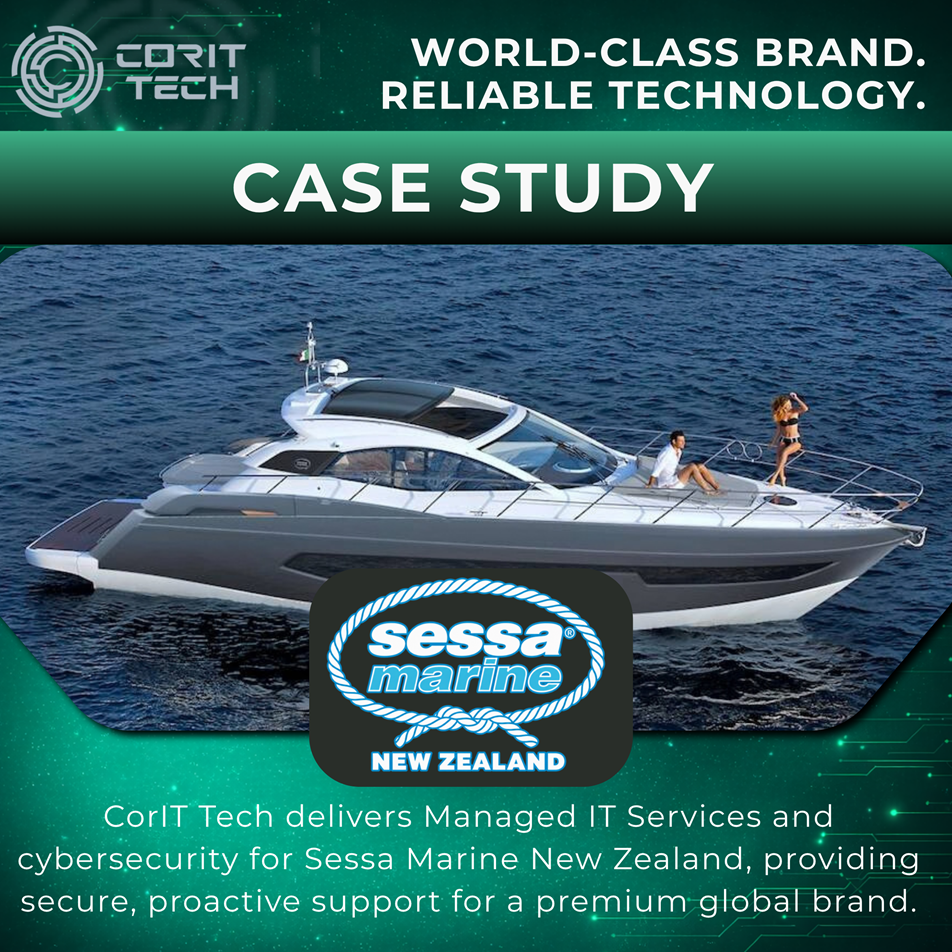
Global luxury yacht brand Sessa Marine has partnered with CorIT Tech to…
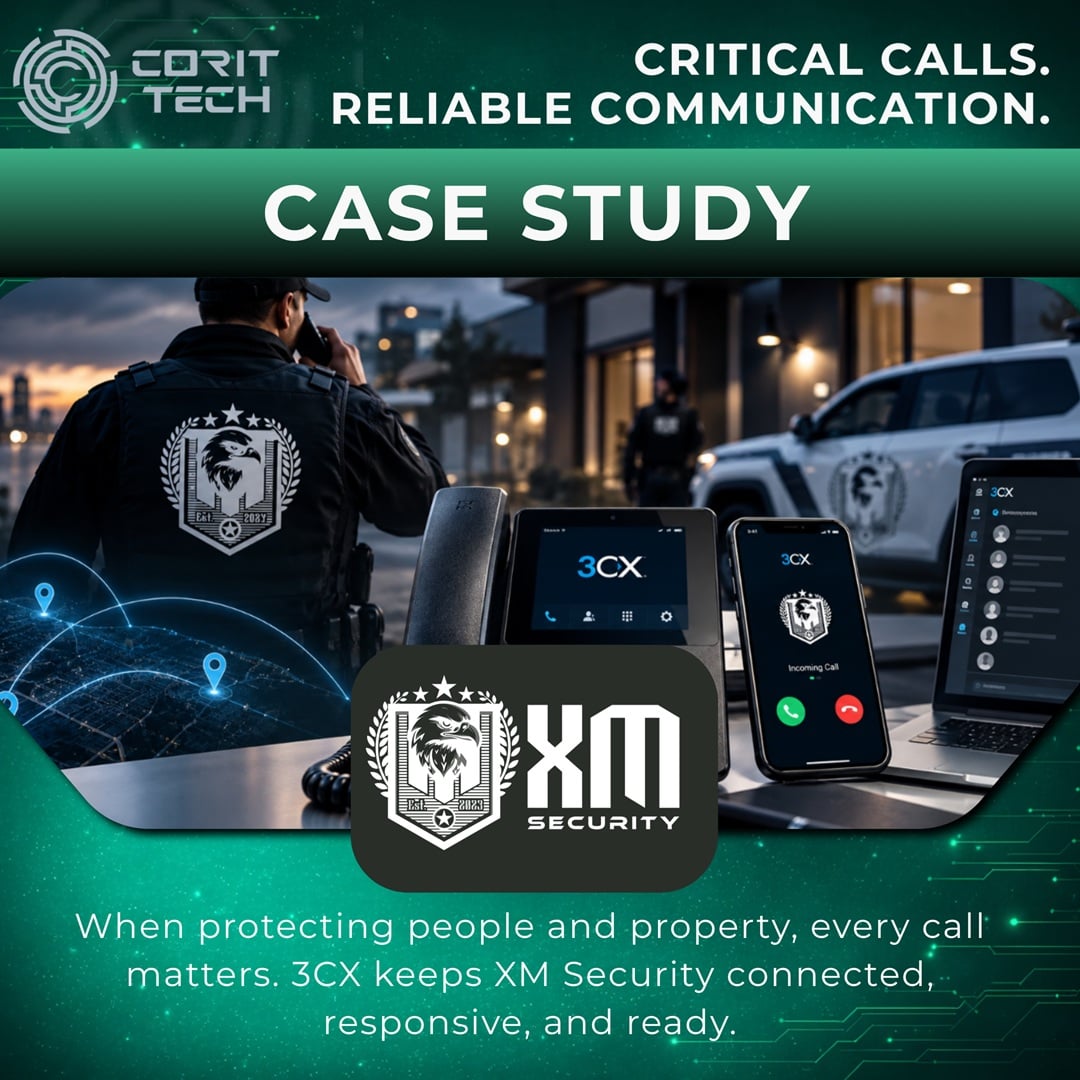
Discover how CorIT Tech helped XM Security Group modernise its critical business…
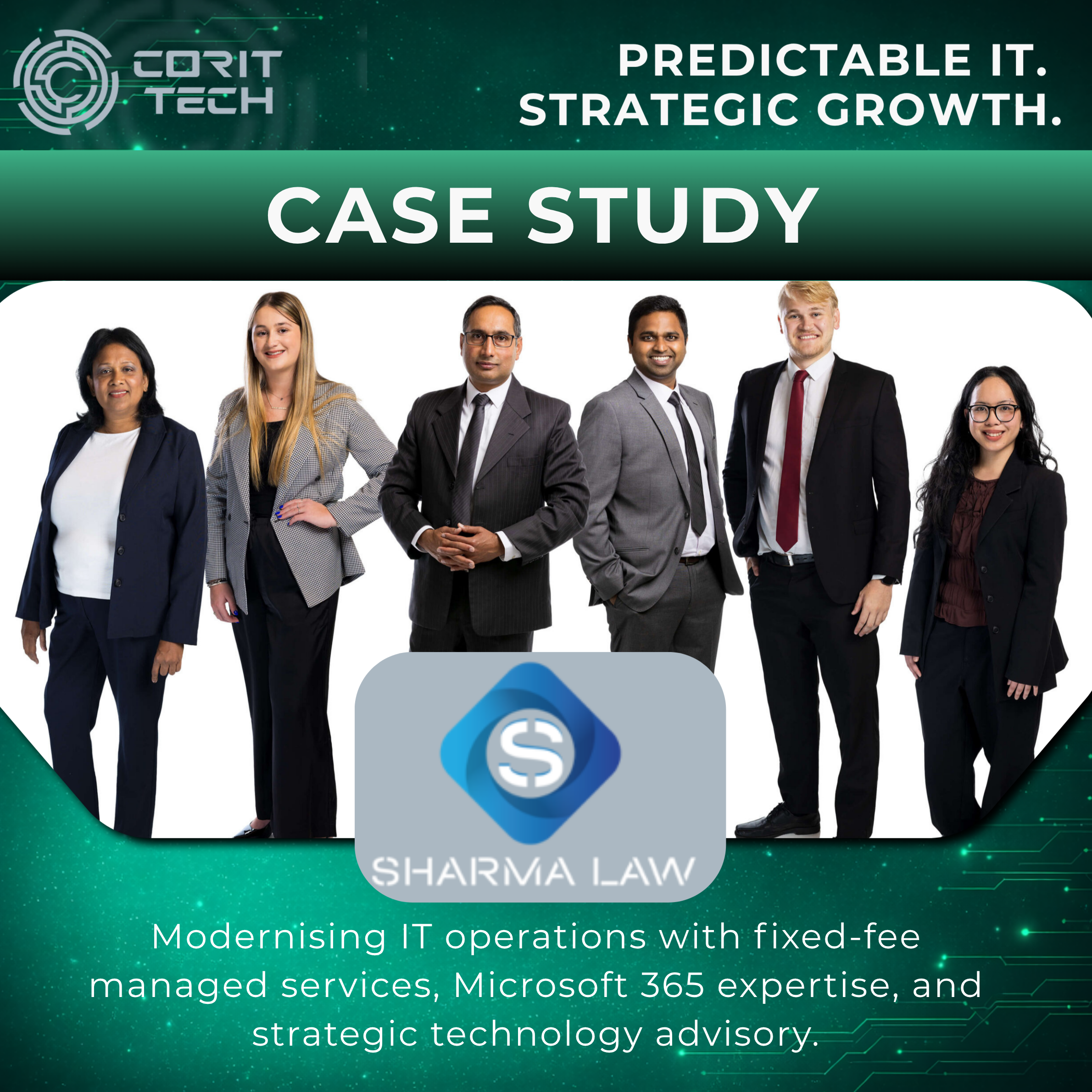
Sharma Law partnered with CorIT Tech to modernise its IT operations through…
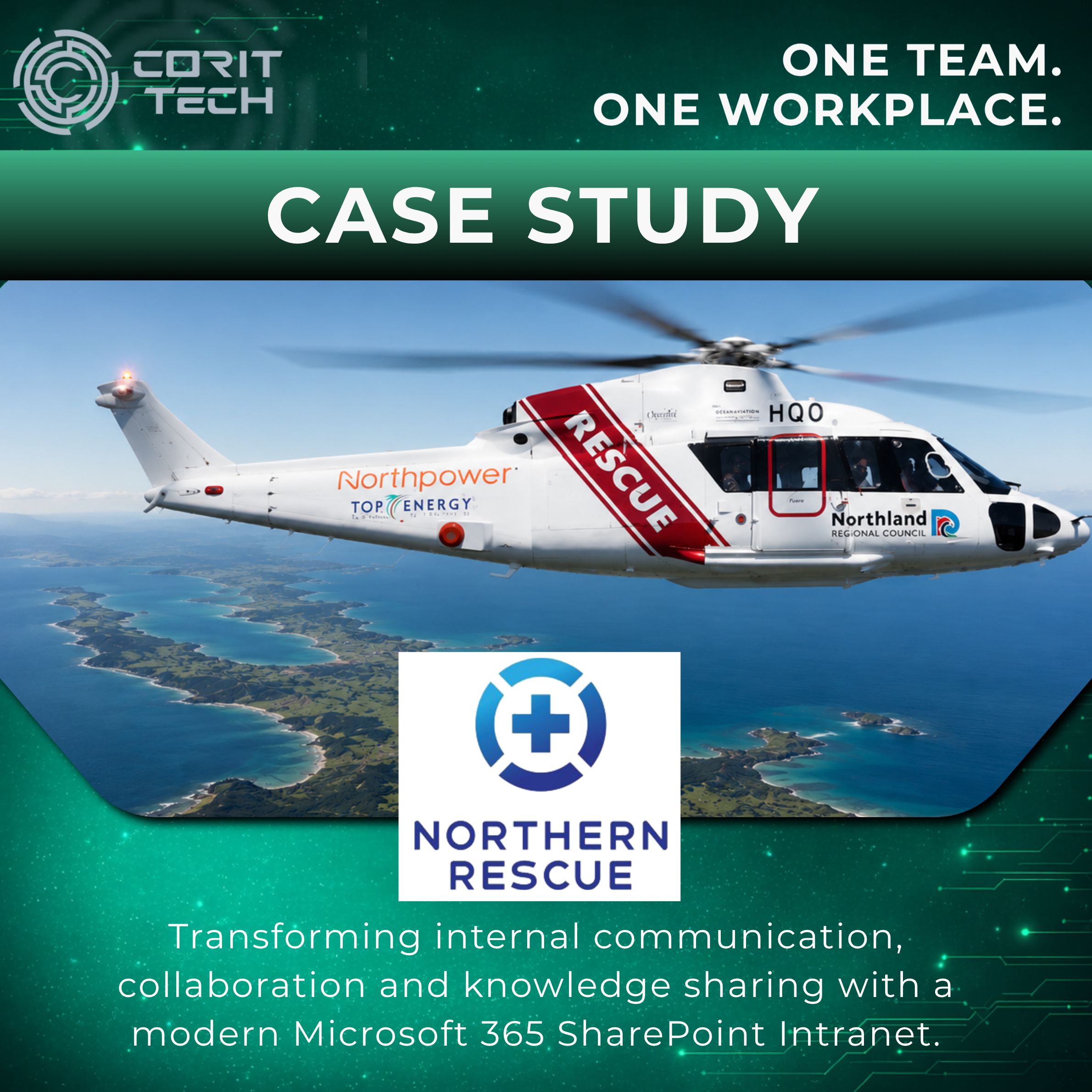
Northern Rescue partnered with CorIT Tech to implement a modern Microsoft 365…
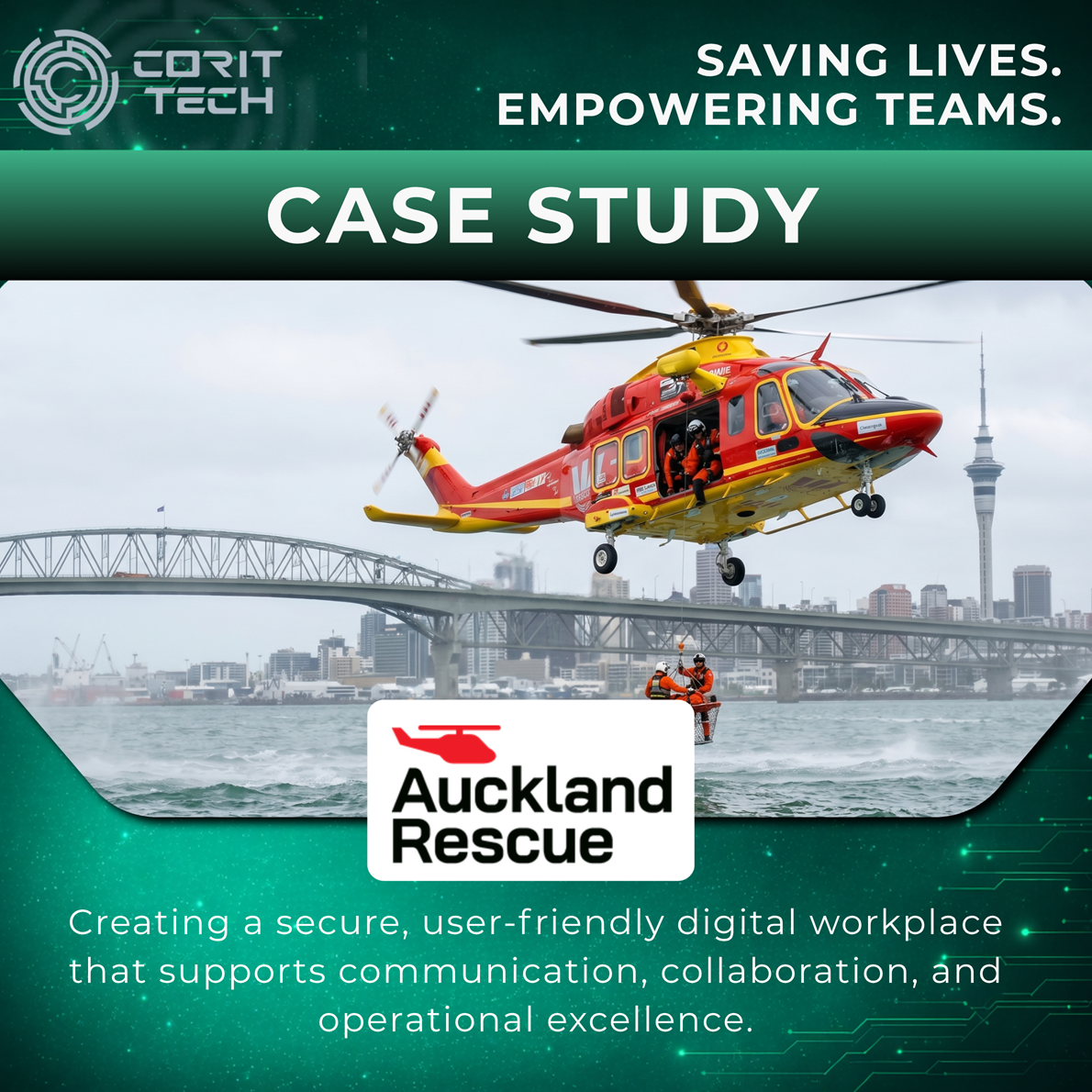
Auckland Rescue Helicopter Trust partnered with CorIT Tech to modernise its digital…
MCRO Capital partnered with CorIT Tech to implement expert 24×7 Managed IT…

Amediate Engineering partnered with CorIT Tech to implement managed IT services purpose-built…

Huntress Recruitment partnered with CorIT Tech to launch their new recruitment agency…
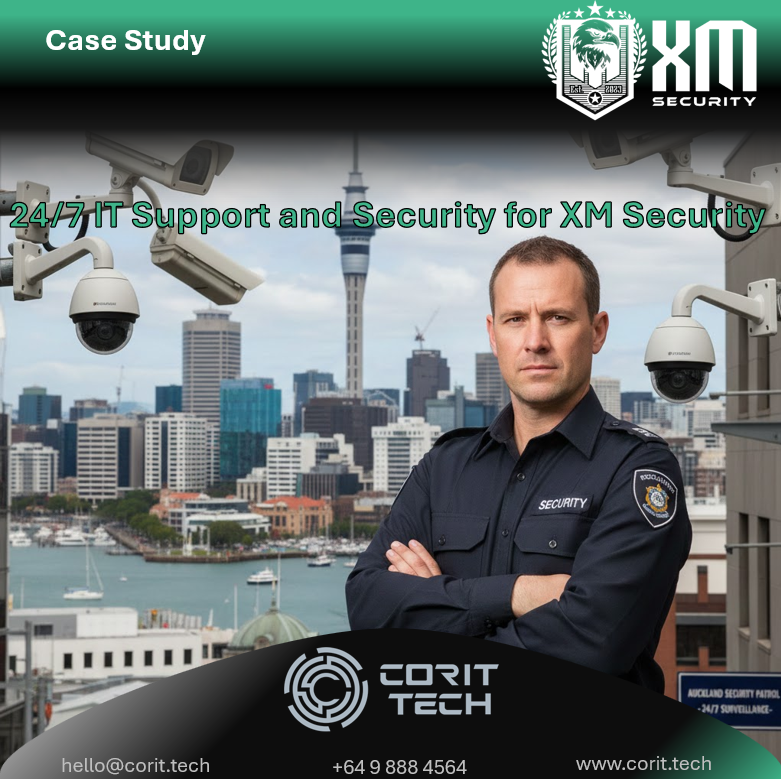
XM Security partnered with CorIT Tech to support their growing, always-on operations…
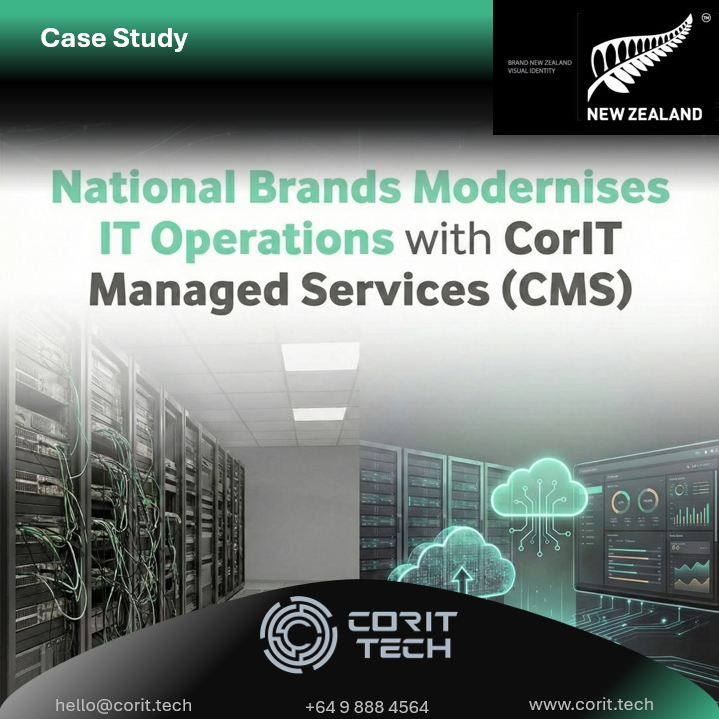
National Brands partnered with CorIT Tech to modernise their IT operations and…
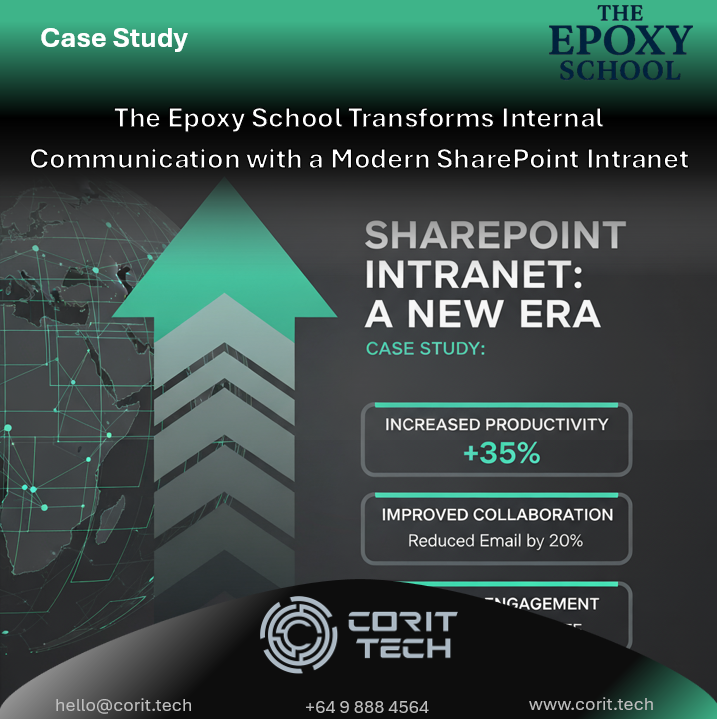
The Epoxy School partnered with CorIT Tech to transform internal communication and…
Queensland Flooring Systems partnered with CorIT Tech to modernise its IT operations…
Book a complimentary strategy session to assess your current environment and identify practical improvements for security, reliability, and performance.
Book a complimentary strategy session tailored for professional services firms.
No obligation. No sales pressure. Practical advice.
Trusted by New Zealand legal, accounting, advisory and professional service firms.
Practical, secure, and scalable technology services designed to reduce risk, improve reliability, and support how modern organisations operate.
CorIT Tech is a security-first technology partner focused on Microsoft and cloud ecosystems for New Zealand organisations. Our work with managed IT, cyber security, Microsoft 365 and practical automation means we approach AI as part of your wider technology strategy, not a standalone add-on.
We focus on real business outcomes such as reduced cyber risk, better use of existing Microsoft 365 investments, and improved productivity for teams that already live in Outlook, Teams and SharePoint. Our approach is practical, transparent and tailored to the way small and medium organisations work, whether you are in professional services, trades, healthcare, education or other common New Zealand sectors.
With CorIT Tech, AI assistants become a secure, reliable part of your everyday tools, governed properly and aligned with how you want your organisation to operate.
Discover how CorIT Tech can tailor an AI productivity tools setup that fits the way your team actually works, not the other way round. If you are ready to streamline repetitive tasks and unlock more time for high-value work, simply contact us and we will guide you through the next steps.
Secure Microsoft 365 AI implementation, practical productivity improvements, and responsible AI governance for New Zealand businesses.