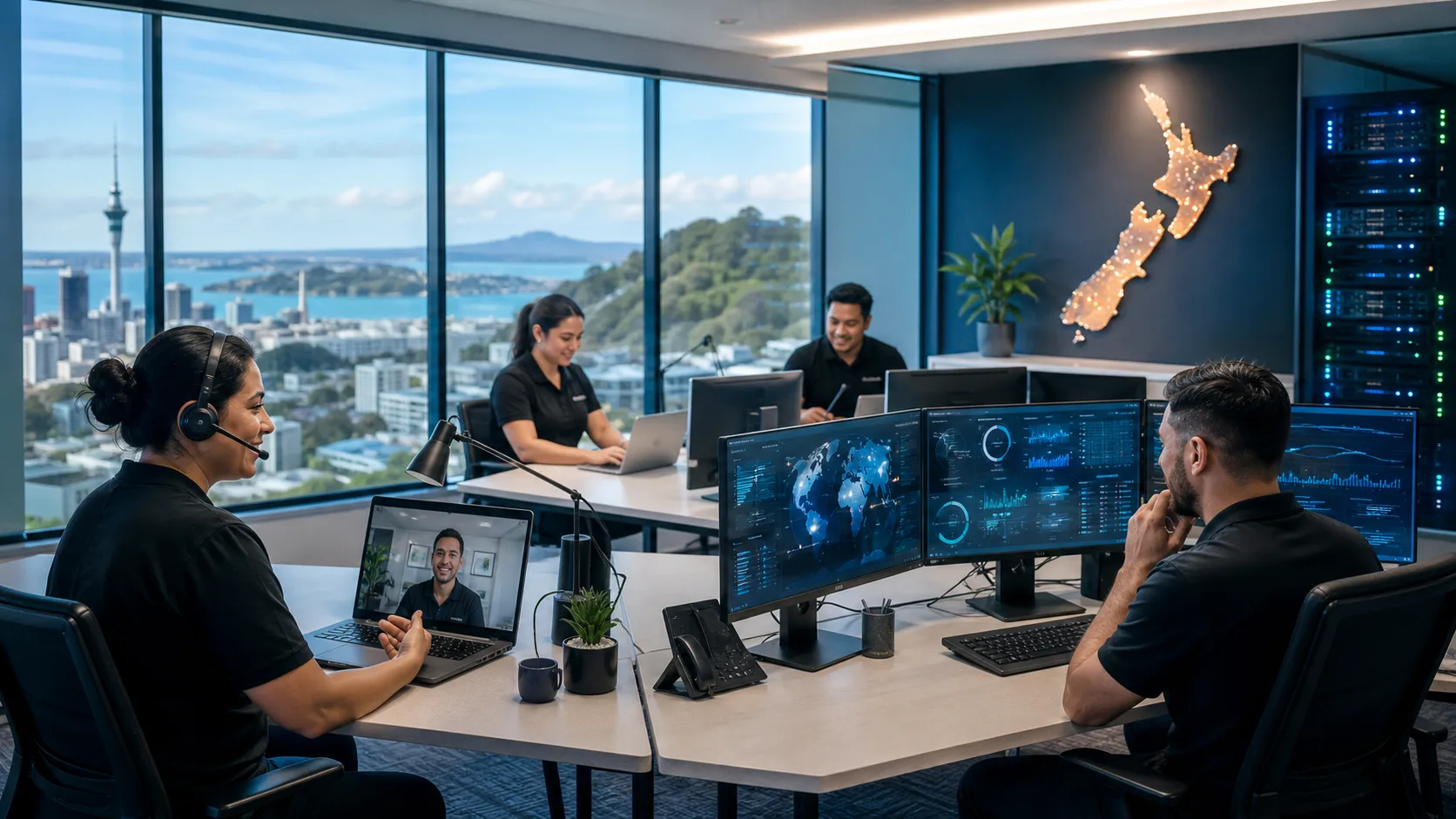
For many New Zealand small businesses, technology is the backbone of daily operations. Whether you’re processing customer orders, collaborating with remote staff, managing finances, or communicating with clients, reliable IT systems are essential.
Yet many businesses still experience unexpected IT outages that disrupt productivity, impact customer service, and ultimately cost money.
According to industry research, even a few hours of downtime can result in thousands of dollars in lost revenue, reduced employee productivity, and reputational damage. The good news is that most causes of downtime are preventable with the right technology strategy and proactive management.
In this article, we’ll explore the most common causes of IT downtime for New Zealand small businesses and what you can do to reduce the risk.
1. Hardware Failures
Hardware failures remain one of the leading causes of business downtime.
Computers, servers, networking equipment, storage devices, and internet hardware all have finite lifespans. As equipment ages, the risk of unexpected failure increases significantly.
Common examples include:
- Server hard drive failures
- Failing switches and routers
- Power supply failures
- Aging laptops and desktop computers
- Faulty UPS units and batteries
Many small businesses continue using equipment well beyond its recommended lifecycle, often waiting until something breaks before replacing it.
How to Prevent Hardware-Related Downtime
- Maintain an asset lifecycle plan
- Replace aging hardware proactively
- Monitor server health and storage capacity
- Deploy redundant internet and critical infrastructure where appropriate
- Regularly test backups and disaster recovery processes
A proactive approach to hardware management can prevent many outages before they occur.
2. Outdated Software and Operating Systems
Running outdated software creates both operational and security risks.
When software vendors release updates, they often contain critical bug fixes, performance improvements, and security patches. Businesses that delay updates expose themselves to known vulnerabilities and compatibility issues.
Common examples include:
- Unsupported versions of Windows
- Outdated Microsoft 365 applications
- Legacy business software
- Unpatched servers and workstations
- Expired security software
Over time, unsupported systems become increasingly unstable and vulnerable to attack.
How to Prevent Software-Related Downtime
- Implement automated patch management
- Keep operating systems up to date
- Upgrade unsupported applications
- Regularly review software licensing and support status
- Monitor vendor end-of-life announcements
Businesses that maintain a structured patching strategy typically experience fewer disruptions and improved system reliability.
3. Cybersecurity Incidents
Cybersecurity threats have become one of the fastest-growing causes of downtime for New Zealand businesses.
A successful cyberattack can bring operations to a complete halt.
Common threats include:
- Ransomware attacks
- Business email compromise
- Phishing attacks
- Malware infections
- Account takeovers
- Data breaches
In many cases, the recovery process can take days or even weeks, especially when backups, security controls, and incident response procedures are inadequate.
How to Prevent Cybersecurity Downtime
- Enable Multi-Factor Authentication (MFA)
- Implement Microsoft Defender security controls
- Train staff to identify phishing attacks
- Deploy Endpoint Detection and Response (EDR)
- Maintain secure, tested backups
- Regularly review security policies and access controls
Cybersecurity is no longer optional. It is a critical component of business continuity.
4. Poor Network Infrastructure
Your network is the foundation of your business technology environment.
When network infrastructure is poorly designed, outdated, or underperforming, users experience:
- Slow internet speeds
- Dropped connections
- VoIP phone issues
- Application performance problems
- Remote access failures
Many small businesses rely on consumer-grade networking equipment that struggles to support modern workloads, cloud applications, and hybrid work environments.
How to Prevent Network Downtime
- Upgrade aging switches, firewalls, and wireless access points
- Monitor network performance continuously
- Implement business-grade internet services
- Design networks for scalability and redundancy
- Regularly review bandwidth requirements
A modern network infrastructure can dramatically improve both reliability and user experience.
5. Human Error
Technology issues are not always caused by hardware or software failures.
Human error remains a significant contributor to IT downtime.
Examples include:
- Accidental file deletion
- Misconfigured systems
- Incorrect firewall changes
- Unauthorised software installations
- Poor password management
Even experienced users can make mistakes that impact business operations.
How to Prevent Human Error
- Implement role-based access controls
- Use change management processes
- Provide regular user training
- Maintain documented procedures
- Automate repetitive tasks where possible
Reducing reliance on manual processes helps minimise risk.
6. Inadequate Backup and Disaster Recovery
Many businesses assume they are protected because backups exist.
Unfortunately, having backups and having recoverable backups are two very different things.
We’ve seen organisations discover during an outage that:
- Backups were not running correctly
- Data retention periods were insufficient
- Recovery processes had never been tested
- Critical systems were excluded from backup jobs
The result is extended downtime and potentially permanent data loss.
How to Prevent Backup Failures
- Implement automated backup monitoring
- Regularly test restoration processes
- Maintain multiple backup copies
- Follow the 3-2-1 backup principle
- Develop a documented disaster recovery plan
A backup strategy is only effective if it can be successfully restored when needed.
The Cost of Reactive IT Support
Many small businesses operate in a break-fix model, only engaging IT support when something goes wrong.
While this may appear cost-effective initially, it often results in:
- More downtime
- Higher emergency support costs
- Increased cybersecurity risk
- Reduced staff productivity
- Unpredictable IT spending
The reality is that prevention is almost always less expensive than recovery.
Moving from Reactive IT to Proactive IT Management
The most successful businesses take a proactive approach to technology management.
Rather than waiting for failures to occur, they continuously monitor systems, manage security risks, apply updates, maintain backups, and plan infrastructure upgrades.
At CorIT Tech, we help Auckland and New Zealand businesses reduce downtime through proactive managed IT services, cybersecurity monitoring, Microsoft 365 management, cloud solutions, and strategic technology planning.
By identifying risks before they become outages, businesses can focus on growth rather than dealing with recurring IT issues.
Final Thoughts
IT downtime is rarely caused by a single event. More often, it results from a combination of aging infrastructure, poor maintenance, cybersecurity gaps, and reactive support practices.
By addressing the most common causes of downtime, small businesses can improve productivity, enhance security, and reduce operational risk.
If your business is experiencing recurring IT issues or you’re unsure whether your systems are adequately protected, a proactive IT assessment can help identify risks before they impact your operations.
Need Help Reducing IT Downtime?
CorIT Tech provides proactive Managed IT Services, Cybersecurity Solutions, Microsoft 365 Management, Cloud Services, and Strategic IT Advisory to businesses across Auckland and New Zealand.
Contact our team today to learn how we can help keep your business secure, productive, and online.