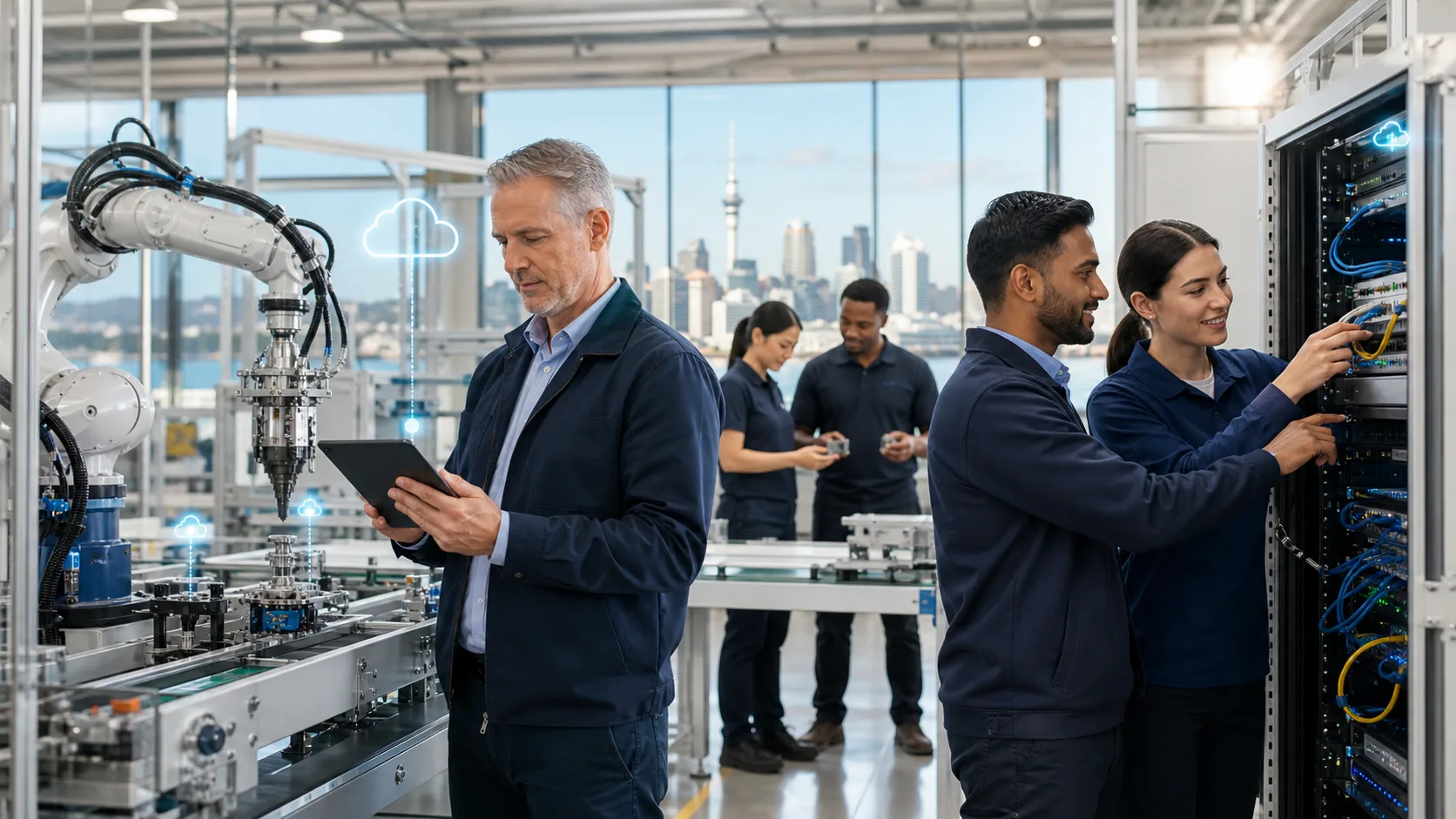
Production stops quickly when technology does. A failed network, missing production files, Microsoft 365 disruption, cyber incident or patchy Wi-Fi can hold up scheduling, dispatch, inventory and customer communication. For manufacturers, an IT problem is rarely just an IT problem. It can affect what leaves the factory floor and when.
We often see Auckland businesses relying on a small internal resource, an operations manager with extra IT duties, or a technician called only after something breaks. That approach may work for a time, but it leaves little room for planning. The real decision is whether in-house, managed or co-managed manufacturing IT support in Auckland gives you the best balance of uptime, security and room to grow, particularly before Christmas shutdowns and summer leave create gaps in coverage.
Support Capacity and Response Times
An in-house IT employee brings real advantages. They know your people, workflows, sites and the systems that support production. When a staff member cannot print a dispatch document or a device on the floor loses connection, someone on-site may be able to act quickly.
The challenge is that one person cannot be everywhere at once. Helpdesk requests, supplier calls, maintenance, projects and cyber concerns compete for the same hours. Leave, illness and after-hours incidents can leave a business exposed. Even highly capable internal staff may not have deep experience across every area, such as security, cloud services, networking and recovery planning.
Managed IT support adds a wider team around your business. We see the strongest arrangements include proactive monitoring, remote support, documented processes and clear escalation paths. This gives internal staff more backup while helping issues get attention before they become production delays.
Response expectations should never be assumed. Whether you choose internal or external support, define what happens when systems fail, who owns each task and what support is available outside normal hours.
Security Across Office and Factory Systems
Manufacturers can be attractive targets because disruption creates pressure to restore operations quickly. Phishing emails, weak passwords, insecure remote access and ransomware can affect office systems as well as production-related processes. A cyber incident may interrupt quoting, supplier communication, payroll, dispatch and access to key documents.
Security-first manufacturing IT support should cover the basics consistently, not only after an incident. We recommend assessing whether your environment includes:
- Multi-factor authentication for accounts and remote access
- Endpoint and email security across supported devices
- Regular patching, firewall management and secure backups
- User awareness training and a documented incident response plan
Factory environments add another layer of difficulty. Older production systems, shared workstations and equipment connected to the network may not be easy to patch, replace or take offline. Treating them like ordinary office computers can create risk, but leaving them unprotected creates another kind of risk.
Practical controls can reduce exposure without disrupting operations. Network segmentation can separate office systems from production equipment. Restricted access can limit who can connect to sensitive systems. Monitoring, recovery procedures and current documentation help your team respond with less confusion when something does go wrong.
Looking Beyond Salaries and Monthly Fees
A fair comparison is not simply an internal salary against a managed service fee. In-house IT can also involve recruitment, training, leave cover, software tools, security platforms, specialist contractors and unplanned project work. Those costs may be spread across different budgets, making the full picture harder to see.
Managed services can make technology spending more predictable by bringing proactive monitoring, patching, support, cybersecurity tools, vendor coordination and strategic guidance into a clearer operating expense. That does not automatically make managed support right for every manufacturer, but it does make the comparison more meaningful.
Downtime also belongs in the decision. A short outage can affect far more than a single computer. Consider the operational consequences when you assess your support model:
- Delayed production schedules and dispatches
- Interrupted access to inventory, payroll or quoting systems
- Lost time for staff waiting on a fix
- Customer commitments affected by poor communication
- Pressure on managers to make quick decisions during an incident
The least expensive support arrangement on paper is not always the lowest-risk choice for your operation.
Choosing a Model for Growth and Modernisation
There are three practical options: fully in-house IT, fully managed IT and a co-managed model. Fully in-house support can suit organisations with enough internal capacity and a broad range of technical skills. Fully managed support can suit businesses that want a dedicated external team to handle day-to-day management and security. Co-managed manufacturing IT support in Auckland often works well when an internal employee retains local knowledge while we provide specialist support, security coverage and additional capacity.
Your choice should also support the next stage of the business, not only today’s problems. Over the next 12 months, we suggest reviewing priorities such as Microsoft 365 governance, secure remote access, cloud file platforms, reliable connectivity, Teams Phone, backup and disaster recovery. AI and automation may also help reduce repetitive administrative work, provided security, access controls and business processes are considered first.
Helpdesk support alone is not a technology plan. Regular reviews should connect IT decisions to production capacity, site expansion, compliance needs, cyber risk and continuity goals. When IT is planned alongside operational growth, it is easier to avoid rushed decisions after a failure.
A Practical Decision Checklist
Before choosing a support model, we encourage you to review the pressures your business already faces. Start with the support hours you need, the number of sites you operate, your reliance on production systems, internal skills, growth plans, cyber maturity, budget predictability and acceptable downtime.
Recurring outages, slow responses, unknown backup status, unsupported systems and poor documentation are warning signs worth addressing. So is the absence of a clear plan for holiday leave, emergency incidents or a key staff member being unavailable.
A focused IT and cybersecurity review before the summer shutdown can clarify where the gaps are. The outcome should be a support model that gives your business safer operations, clearer responsibilities and fewer technology surprises when production needs to keep moving.
Strengthen Uptime and Security Across Your Factory
CorIT Tech helps manufacturers align day-to-day support with the systems their teams rely on most. Our manufacturing IT support in Auckland combines proactive monitoring, cybersecurity and practical technology planning for more reliable operations. If you would like to discuss your current setup and priorities, contact us to arrange a conversation with our team.